Online exams
Build, run and supervise exams live.
- Live supervision: add time, send messages, handle incidents
- Candidates join by scanning a QR code
- AI question generation and Word or PDF conversion built in
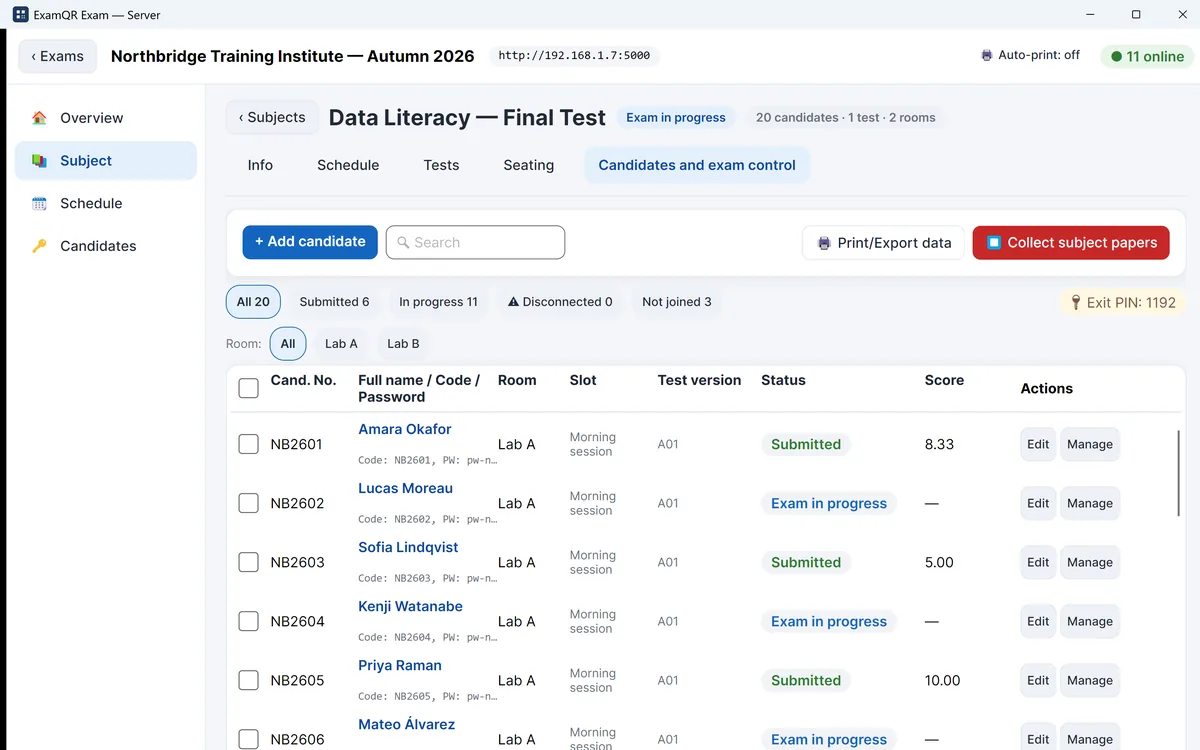
ExamQR helps training centers, universities and certification bodies build exams, run them with live supervision, and keep exam day going even when the internet does not.
Start on the Free plan. Upgrade only when you need more.
From the first question to the signed score sheet.

Build, run and supervise exams live.

Free for up to 20 computers at a time.

Use them on their own, with or without an ExamQR plan.
There are no servers to set up and no internet is needed on exam day.
Import your paper from Word or PDF, or build it from a question bank. AI can draft questions from a topic or convert a Word or PDF test. Upload the candidate list.
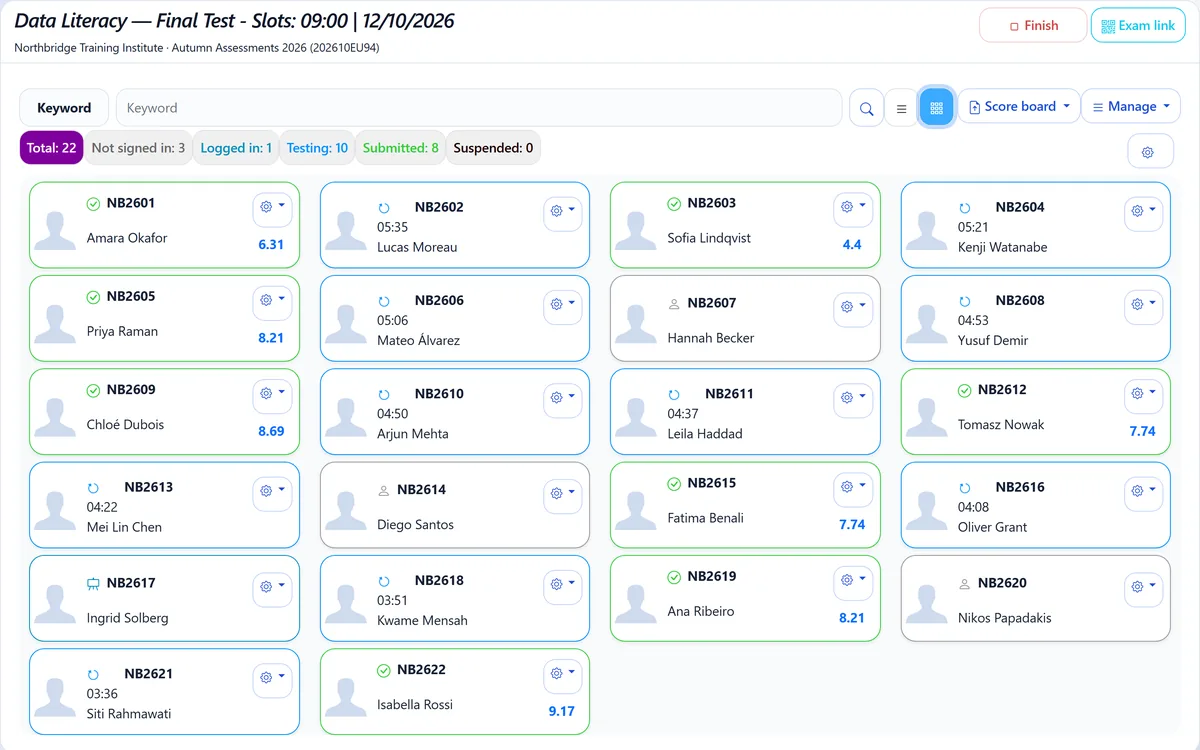
Open the room. Candidates sign in with their ID or a QR code. Supervisors watch progress and handle incidents live.
Papers are collected and graded automatically. Export score sheets, item statistics and reports. Issue certificates with a QR code to the candidates who passed.
Course quizzes, final exams and practice tests for every cohort, without building each test from scratch or marking by hand.
Learn moreFrom the application form to the shortlist: candidates register and pick a session, take a fair skills test, and you rank them, decide and tell each one the result.
Learn moreCertification exams online or in test centres, and certificates that employers check in seconds instead of emailing you.
Learn moreMid-terms and finals across several rooms at once, online or in LAN computer labs, with supervisors assigned per room.
Pick by how your exam day runs.
| At a glance | Online exams | Offline exam server | Free test shuffler | Quiz converter |
|---|---|---|---|---|
| Best for | Live-supervised exams in the browser | Computer rooms where everything runs on your own network | Printing many versions of a Word test | Moving a test into your LMS |
| Internet needed on exam day | Yes | No, local network only | Only to use the tool | Only to use the tool |
| Account needed | Yes, a Free plan is available | No account; free for up to 20 computers at a time, licence for more | No | Free for Word files in the template; PDF or scans need an account with credits |
| Automatic marking | Yes (essays are marked by your team) | Yes | — | — |
| Exam mode | Live supervision; Safe Exam Browser on the plans that include it | Kiosk mode and supervisor dashboard | — | — |
The Free plan includes 30 exam attempts a month and 40 AI credits on sign-up. Paid plans start at $29 a month.
One page of rules for writing a test in Word that software can read: questions, options, marking the correct answer, parts, passages and pictures. Free PDF to print or share.
Word cannot shuffle a test for you. How many versions to make, how to prepare the file, what to lock in place, and how to get every version with its code and answer key for free.
Moodle cannot read a .docx quiz. Compare the ways in (Aiken, GIFT, a Word plugin, Moodle XML), prepare the Word file, convert it to Moodle XML for free and import it with images and formulas intact.
The application, database and files run on a dedicated server at OVHcloud in the United States, behind Cloudflare. Our Data Processing Agreement (GDPR Article 28) applies automatically to every organisation, with no signature needed, and covers international transfers with standard contractual clauses. More in the Privacy Policy.
Yes. The offline exam server runs the exam on your own network: one computer runs it, candidates connect over the local network, and answers are saved locally and recovered after a crash or power loss. Online exams run in the browser and need a connection.
Screen monitoring and face check are off unless you turn them on. Safe Exam Browser lockdown is available on the plans that include it. The offline exam server also has a kiosk mode for candidate computers.
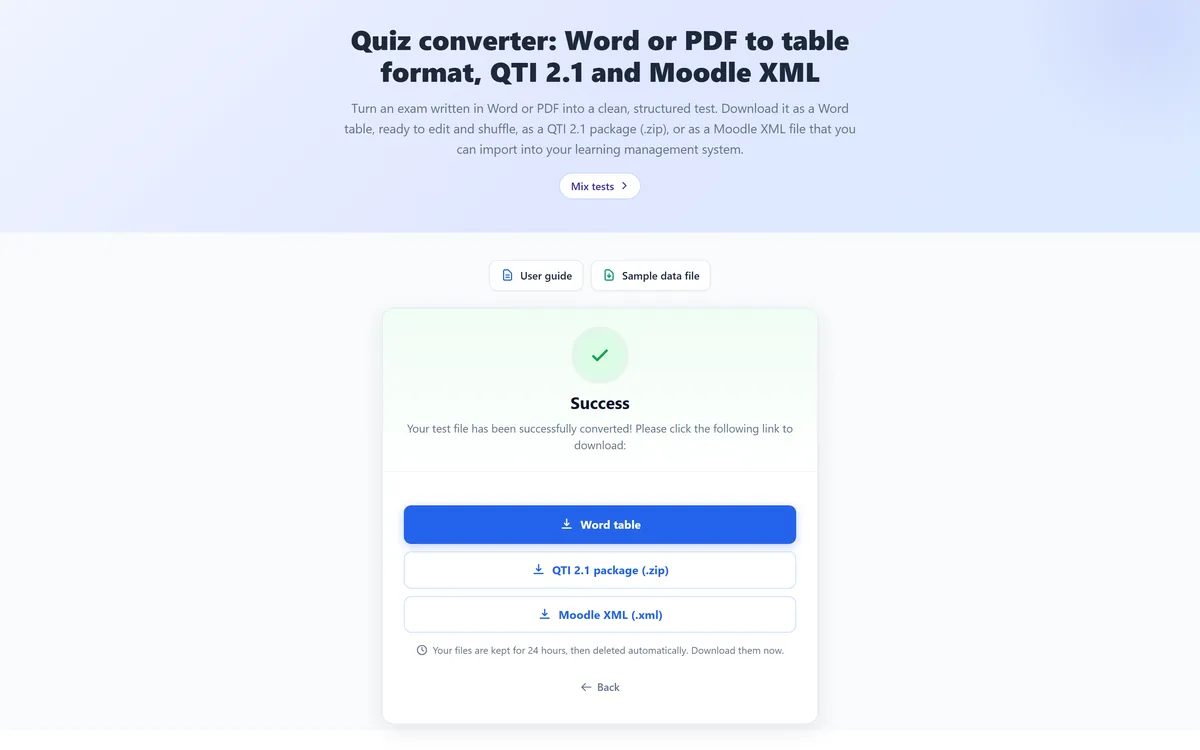
Yes. The quiz converter turns a Word or PDF test into a Word table, QTI 2.1 or Moodle XML file. A Word file already in the template converts free; PDF or scanned files use AI and need an account with credits.
ExamQR is available in 7 languages: English, Vietnamese, Spanish, French, German, Portuguese (Brazil) and Indonesian.
No. Candidate answers are never sent to an AI provider, and your content is not used to train AI models. AI features only receive what you send them, such as a test to convert or a topic, and the credit cost is shown before you start.
Plans are prepaid for the period you choose and do not renew automatically, so there is nothing to cancel. When a period ends, your account returns to the Free limits and your data stays. You can ask for a refund within 14 days under the Refund Policy. Payments are handled by Paddle, our merchant of record.
Start with the free plan, or book a demo and we will help you set up your first exam.